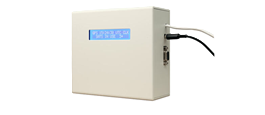
Galleon Server GPS Clock
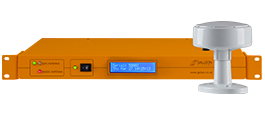
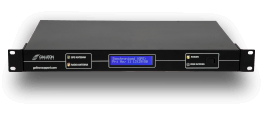
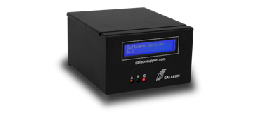
Galleon Server GPS Clock Unit
The red 'Data' LED should flash at one second intervals to indicate that serial data is being sent from the GPS receiver.
Solution: Check that the microcontroller unit and the GPS antenna unit are both powered on. Check the cabling between the two connector boxes.
The green 'Synch' LED when on, indicates that the Microcontroller is waiting for the receiver to lock on to enough satellites to give the time.
Solution: On a new installation it could take a considerable amount of time for the GPS unit to lock on to enough satellites. It may help to reposition the antenna, so that it has a clear view of the sky in all directions (180 degrees).
0.2 mm six core security / alarm cable is required between the two connector boxes in order to position the GPS antenna on a roof top. Cable rolls are available from Galleon Systems Limited on request.
The GPS unit requires two 12V centre positive power supplies. One power supply for the microcontroller unit and a further one for the GPS antenna.
Providing the antenna has a good clear view of the sky in all directions, a GPS signal can be received anywhere in the world.
The maximum distance between the antenna unit and the GPS receiver unit is 1km, using 6 core cable. Cable rolls are available from Galleon Systems Limited on request.
The GPS antenna requires a clear view of the sky for correct operation. A reduced view of the sky may not guarantee good signal reception. However, for most locations the GPS antenna will work correctly sited on a window ledge.